Day 6: Command Handlers
Typically we try to keep the efforts at 5-10 Minutes.
You’ll find complete implementation for day 6 in the git-repo on the branch “day-6”
https://github.com/dilgerma/eventsourced-quiz
Welcome
Yesterday we generated our Commands and Events from the config.json.
Let’s generate some Command Handlers today!
Step 1: Setup the Application
In the terminal, switch to your checked out repository
Make sure to run “npm install”
Start the application using “npm run dev”
The application is accessible in the browser on “localhost:3000”
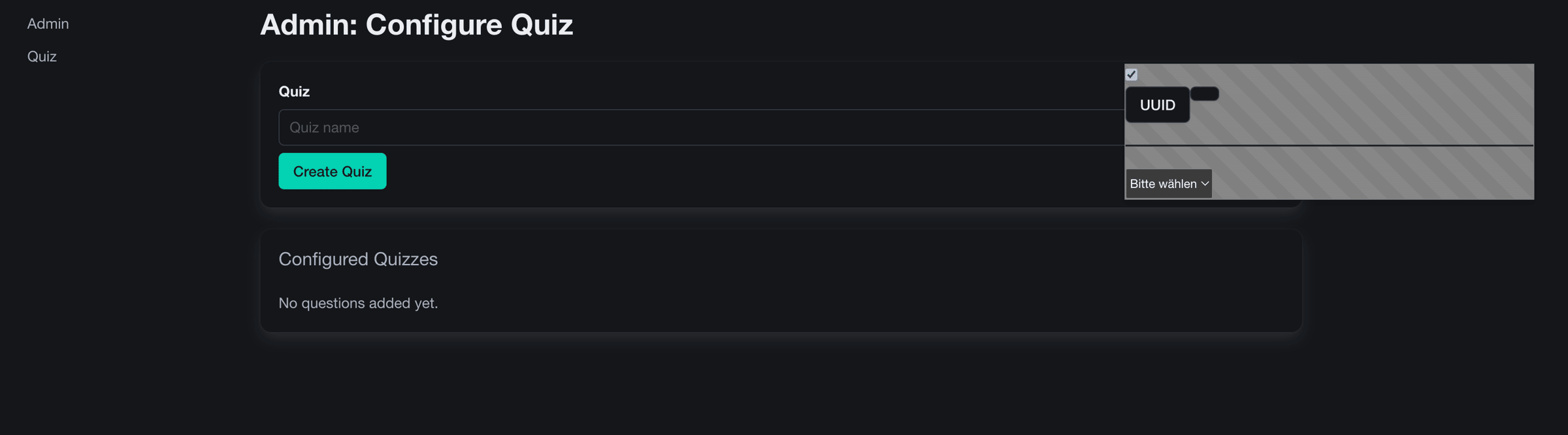
Step 2: Examine the Template
In the “templates” folder, you will find a new simple template in the file “QuizApi.ts.tpl”

Step 3: Generate Command Handlers
Today we will configure a code generator that can generates command handlers.
In the index.js, you will find the new function “generateCommandHandlers”
generateCommandHandlers(){
   // provide the implementation here
}
Goal is to generate a Command Handler for each command.
They should look like this:
function handleCreateQuiz(command: CreateQuizCommand) {
  return []
}
Don’t worry, we will generate the applied Events directly tomorrow.
Follow these instructions:
1) Find all commands
let commands = config.slices.flatMap(slice => slice.commands)
2) Iterate over all commands
let commandHandlers = commands.map(command => {
 ` // logic to create command handlers
})
3) Implement the generator for command handlers and imports
let commandImports = commands.map(command => {
      let commandTitle = slugify(command.title, "")
      return `import {${commandTitle}} from "@/app/api/commands/${commandTitle}";`
}).join("\n")

let commandHandlers = commands.map(command => {
     let commandTitle = slugify(command.title, "")
     return `
         let handle${commandTitle} = (command: ${commandTitle}): Event[] => {
              return []
         }
}).join("\n");
The logic here is very simple. Iterate over all commands, generate the command title using “slugify”.
This will change something like “Create Quiz” to “CreateQuiz”
This generates a prerendered String, that we apply to a template. I typically do not use the template functionalities, but I generate them in Code.
this.fs.copyTpl(
     this.templatePath(`src/components/QuizApi.ts.tpl`),
     this.destinationPath(`./app/api/QuizApi.ts`),
     {
          commandImports: commandImports,
          createQuizCommandHandler: commandHandlers
      }
)
We now have generated all Command Handlers.
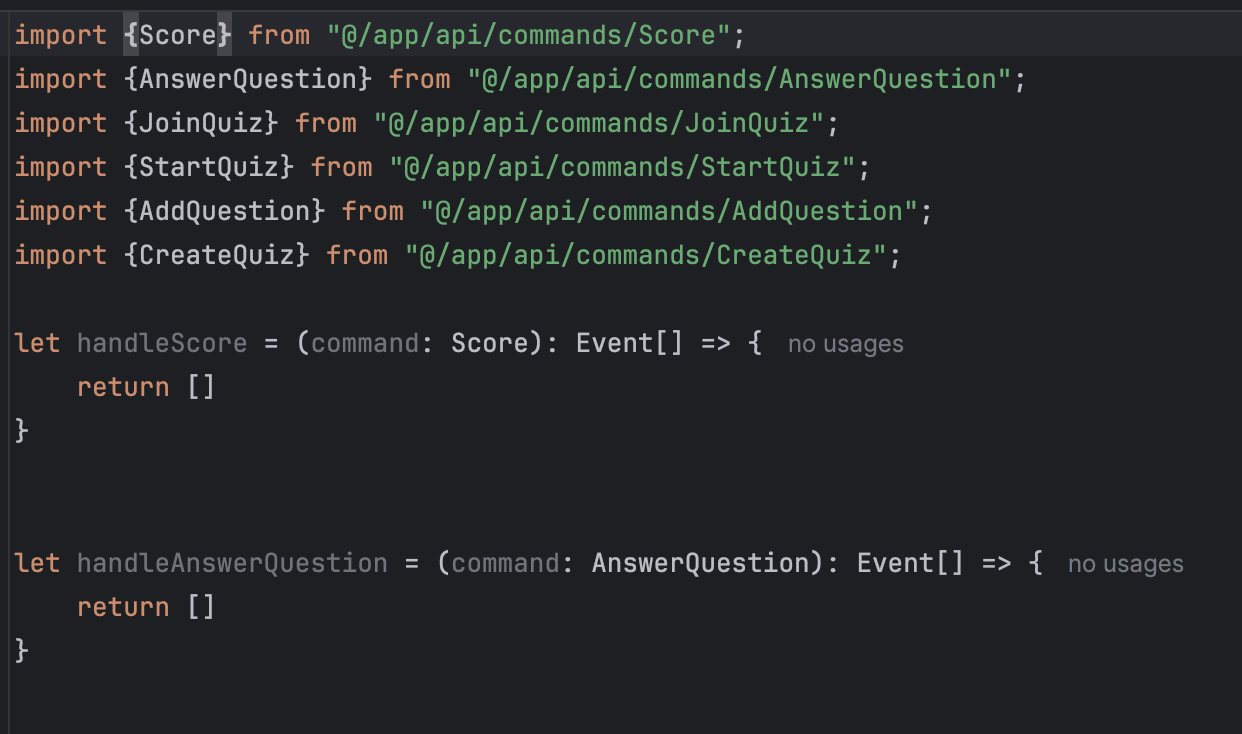
Step 4: Run the Code Generator
Run the Code Generator
docker run -ti -p 3001:3000 -v $PWD:/workspace --name codegen --rm nebulit/codegen
Within the container, run:
gen .generator/app

Tomorrow we will generate and apply the correct result events.
See you tomorrow!
Tools you need
- Git: https://github.com/dilgerma/eventsourced-quiz
- Accelerate Miro Toolkit: https://miro.com/marketplace/eventmodeling/
- Miro Board: https://miro.com/app/board/uXjVLDkT_FA=/
Things you should consider
If you already want to dive deeper into Eventmodeling and Eventsourcing - here are some links for you.
- Book “Understanding Eventsourcing”
- Companion Online Course - “Implementing Eventsourcing” (includes a full license of the Miro Toolkit)
- Podcast “Eventmodeling & Eventsourcing”
- Eventmodelers.de
- Eventmodeling Tutorial
| Previous: Day 5 - Custom Generators | Next: Day 7 - Result Events |