
Narrative Mode
Narrative Mode is quite an interesting concept and allows you to leverage AI to translate your Event Model to natural language.
To use Narrative Mode, you always export a Configuration on the Code Tab.
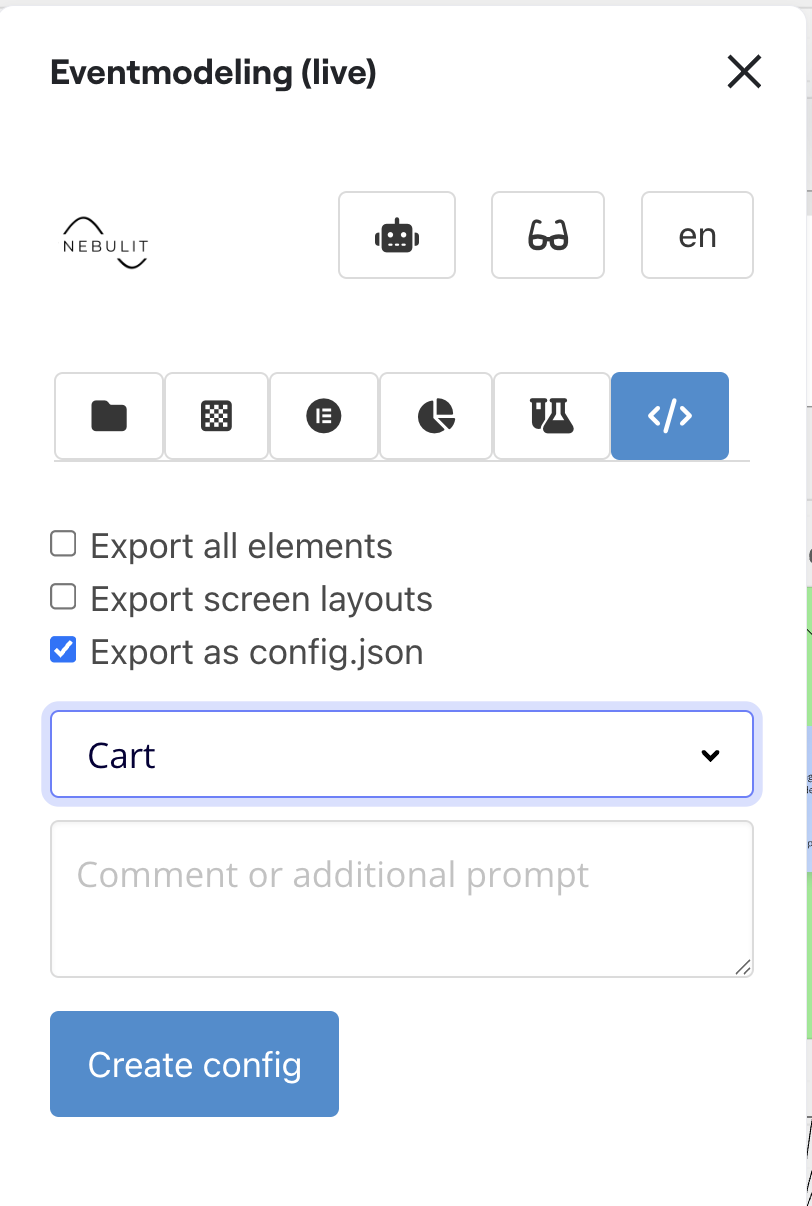
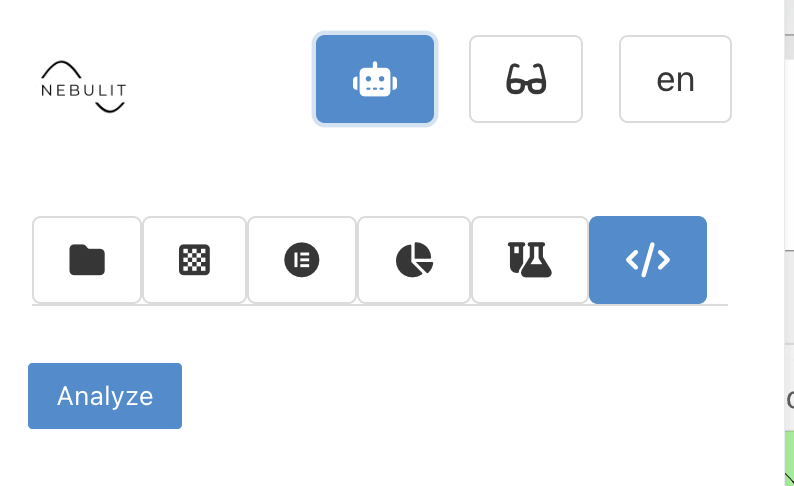
After exporting the Configuration, you can switch to AI Mode ( if AI is enabled )
Here you´ll see the “Analyze” Button.
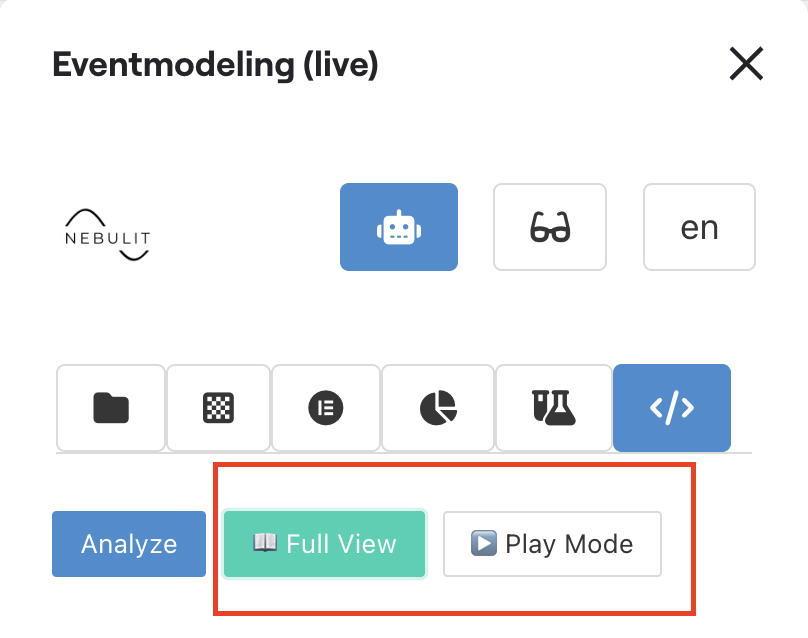
In Narrative Mode, you can switch between “Play Mode” and “Full View”
Full View
In Full View, you see the whole “Story” of the system.
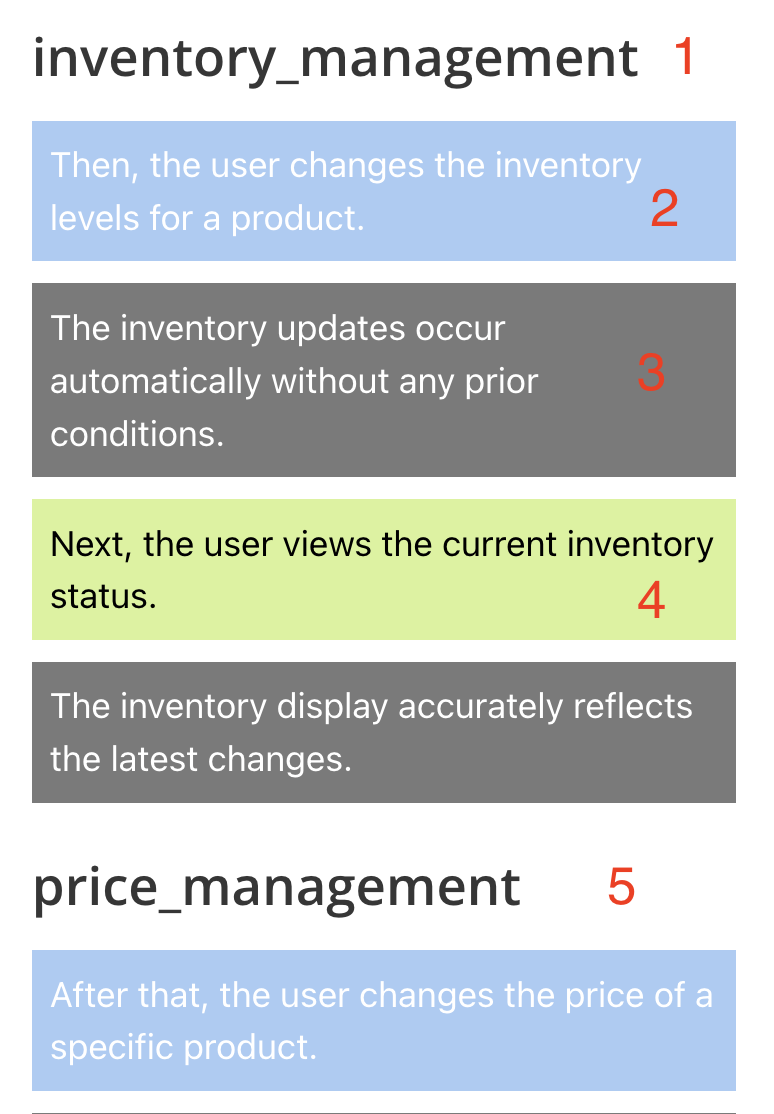
1) Identified Journey
2) Someone is changing the system
3) Policies and rules that apply
4) Someone or something is using existing information
5) Next Journey
Play Mode
In Play-Mode you can step through the “narrative” of the system step by step. You only see one step at a time. Basically playing through the story.
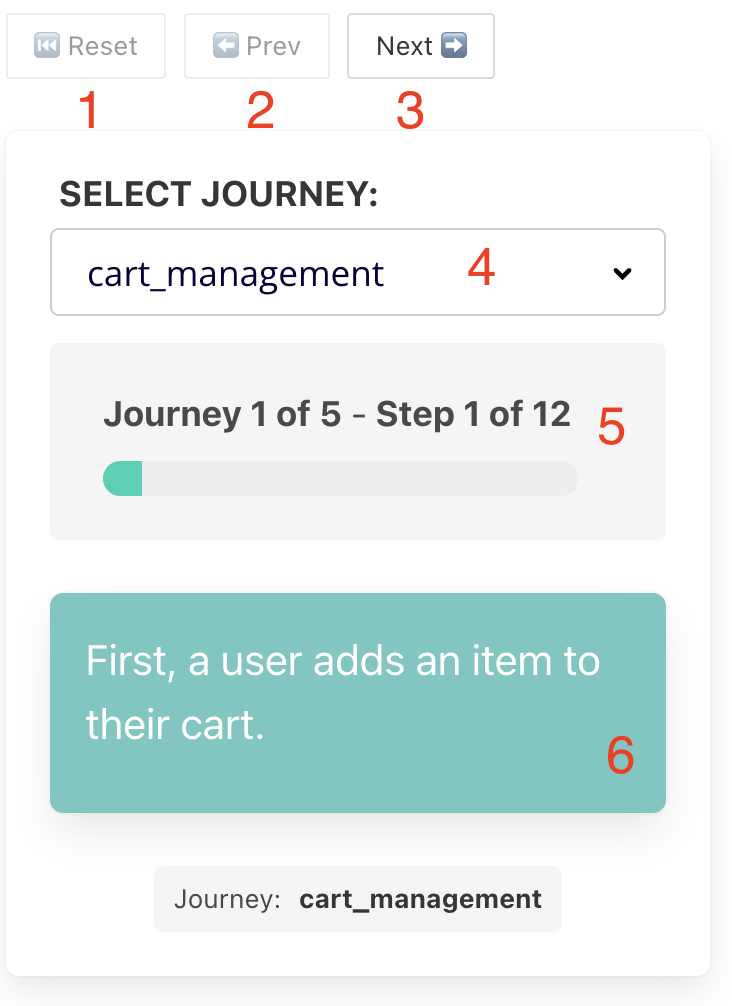
1) Restart the Narrative
2) Previous Step
3) Next Step
4) Select a Journey
5) Current Step
I use the Narrative Mode to step through the system with the stakeholders just to see if the story makes sense.