
Manual editing
ATTENTION: Manuel Editing requires Opt-In. You need to activate it per configuration.
Select any Element ( Command, Event or Read Model )
1) Open the configuration
2) Activate “Sticky notes can be edited”
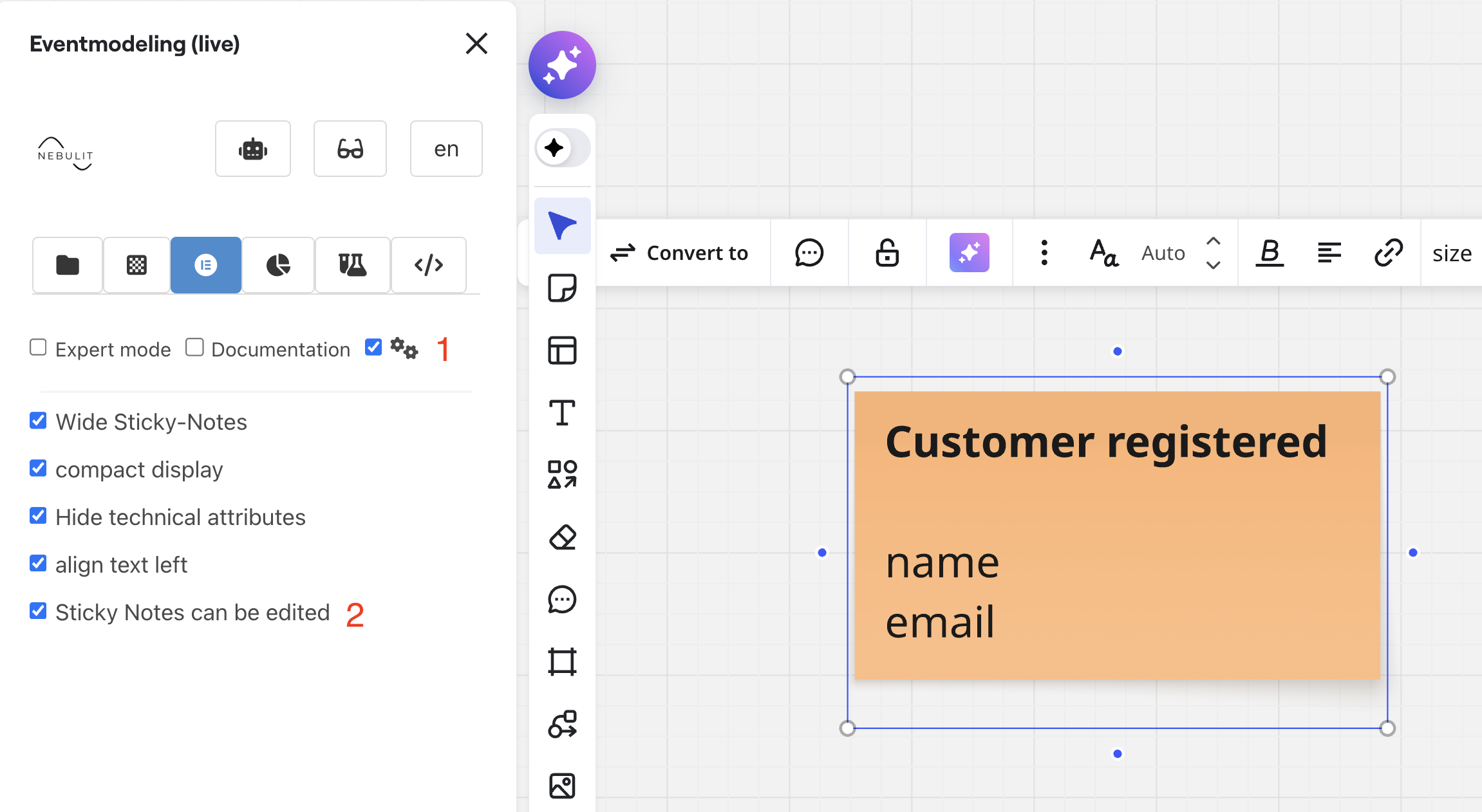
Using the Miro Toolkit, you can edit Sticky Notes directly.
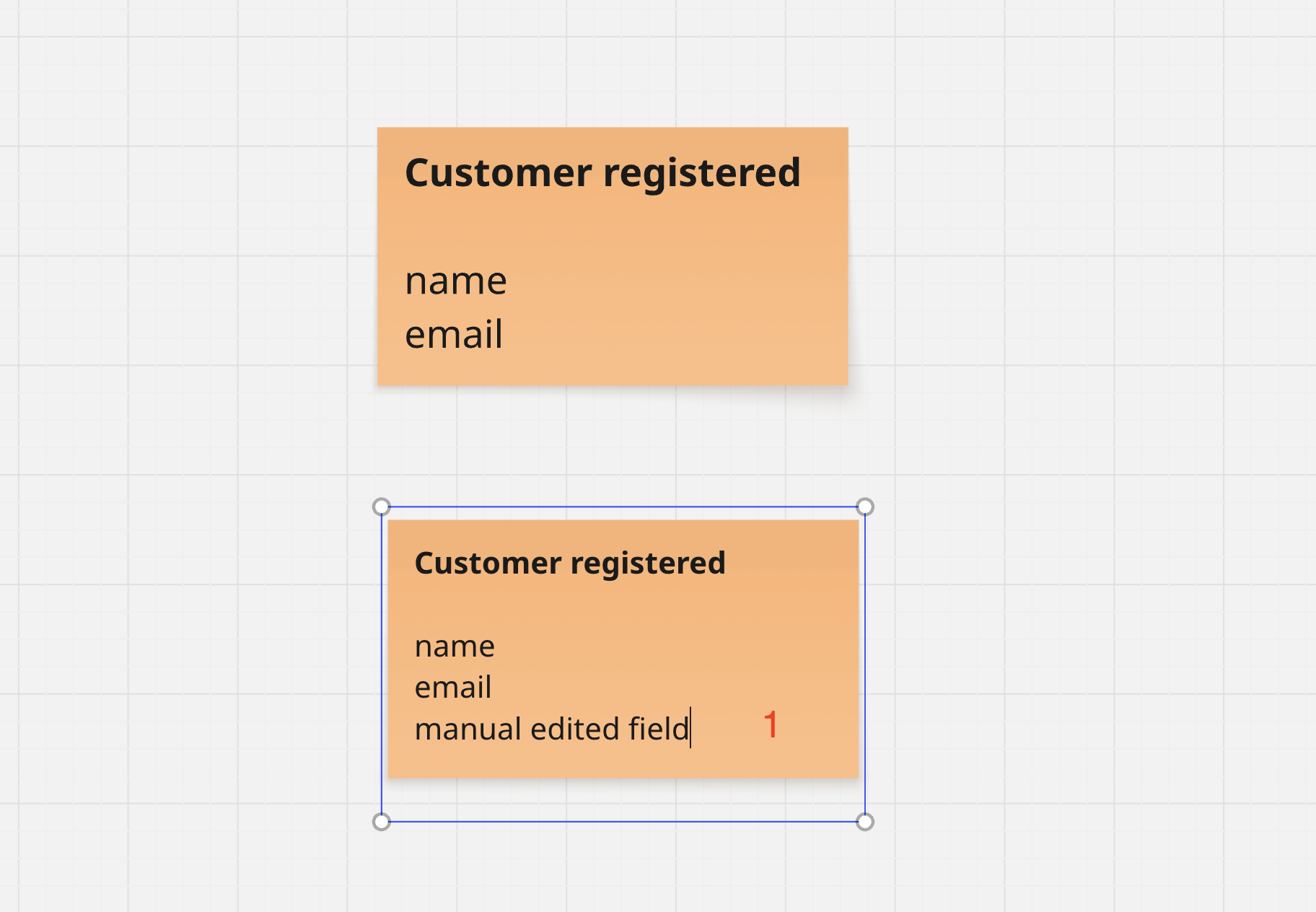
Make sure to have the Tooling open when you edit. You can also edit without any Tooling. The tooling will later check and mark Sticky Notes as edited.
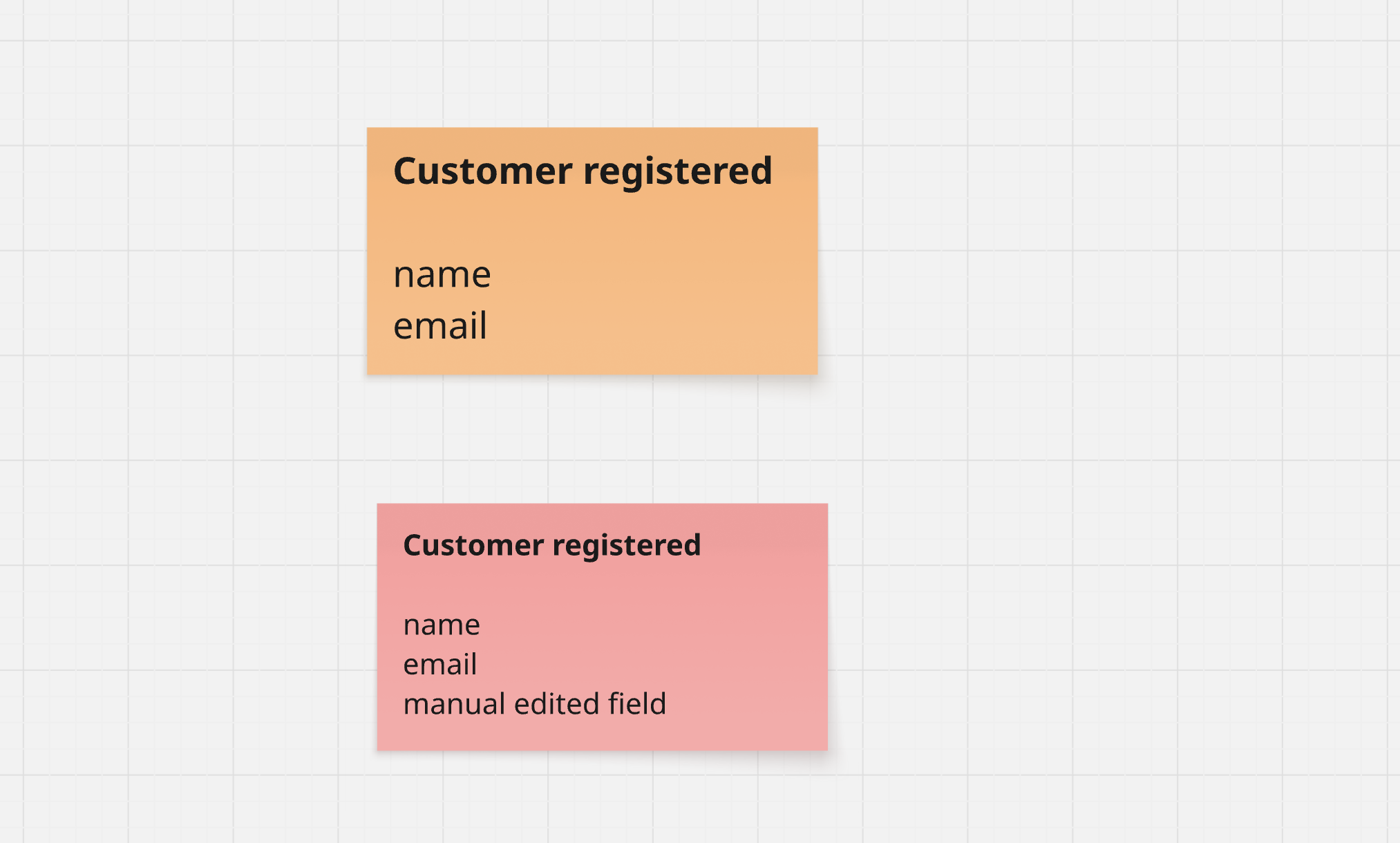
Whenever you edit Sticky Notes directly, they will be marked red.
You will get a hint on the data view, that the sticky note differs from the stored data.
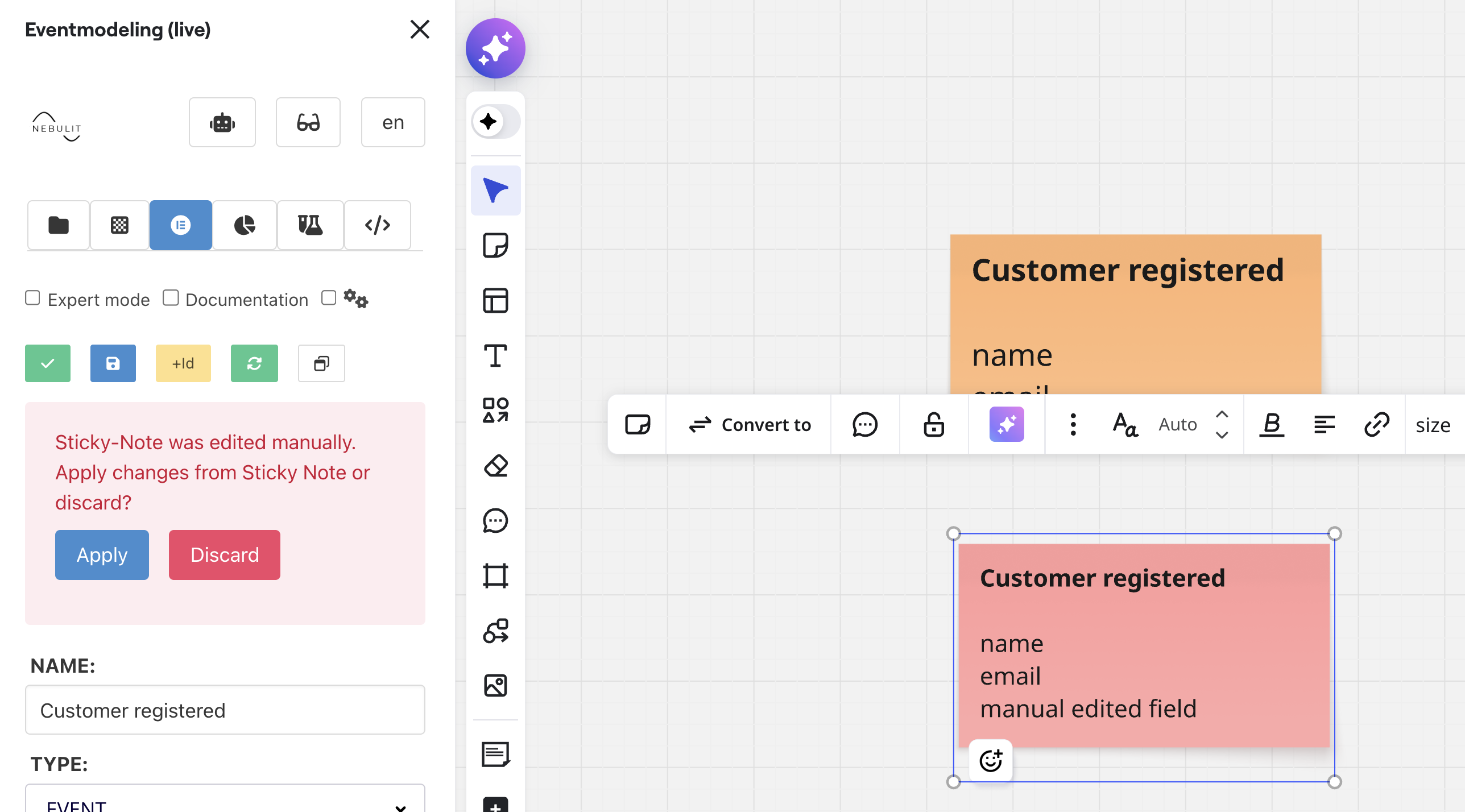
You can now “Apply” - apply the data from the sticky note.
Or “Discard” - which means take the Data stored in Miro and remove all manual edits from the Sticky Note.
Next Steps
- Slice View - Slice View