Context View
The Context View shows you a hierarchical view of all Contexts on the Board. Linked Contexts become sub-contexts, allowing you to build hierarchical context models on your board.
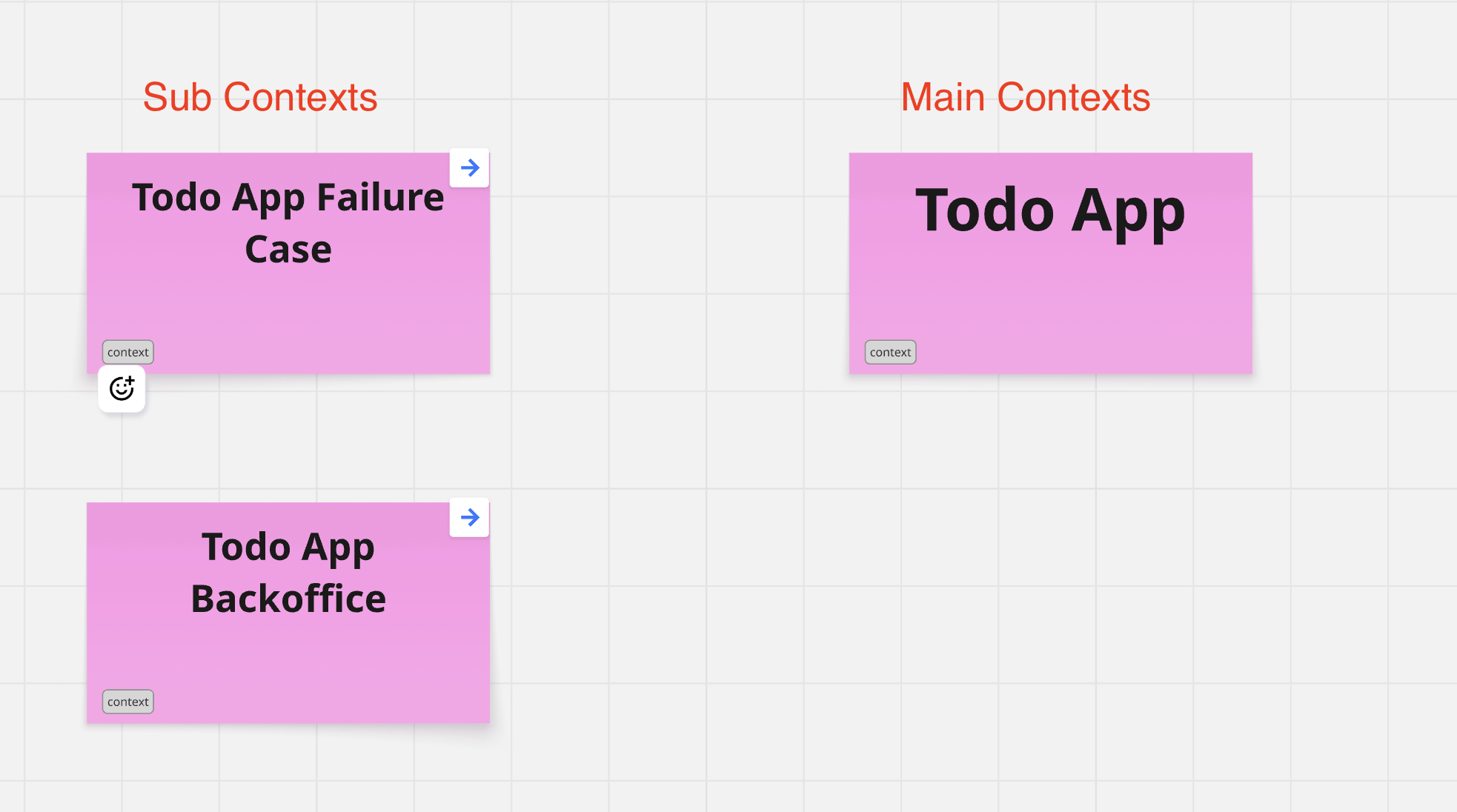
Using the Context View
Navigating the Hierarchy
Expand/Collapse Contexts
- Click on a context to expand or collapse its children
- See the full tree structure at a glance
- Focus on specific areas of interest
Jump to Context
- Click on any context to navigate to it on the board
- Quickly switch between different parts of your model
- Maintain spatial awareness of your location
Creating Context Hierarchies
Link Contexts
- Create multiple contexts on your board
- Draw connections between parent and child contexts
- The hierarchy automatically appears in Context View
Troubleshooting
Contexts Not Showing in Hierarchy
- Ensure contexts are properly linked on the board
- Check that connections are directional (parent → child)
- Refresh the Context View
Circular Dependencies
- Avoid circular context references
- Restructure to create clear hierarchy
- Use events for bidirectional communication
Too Many Levels
- Keep hierarchy depth reasonable (2-4 levels)
- Flatten if structure is too deep
- Combine contexts if appropriate
Next Steps
- Overview Tab - Navigate the main interface
- Aggregate View - View aggregates and events
- Data Trail View - Trace data flow
- Advanced Modeling - Advanced modeling techniques