
Aggregate View
The Aggregate View gives you a quick overview of the currently defined Aggregates (or Streams) and which Events belong to them.
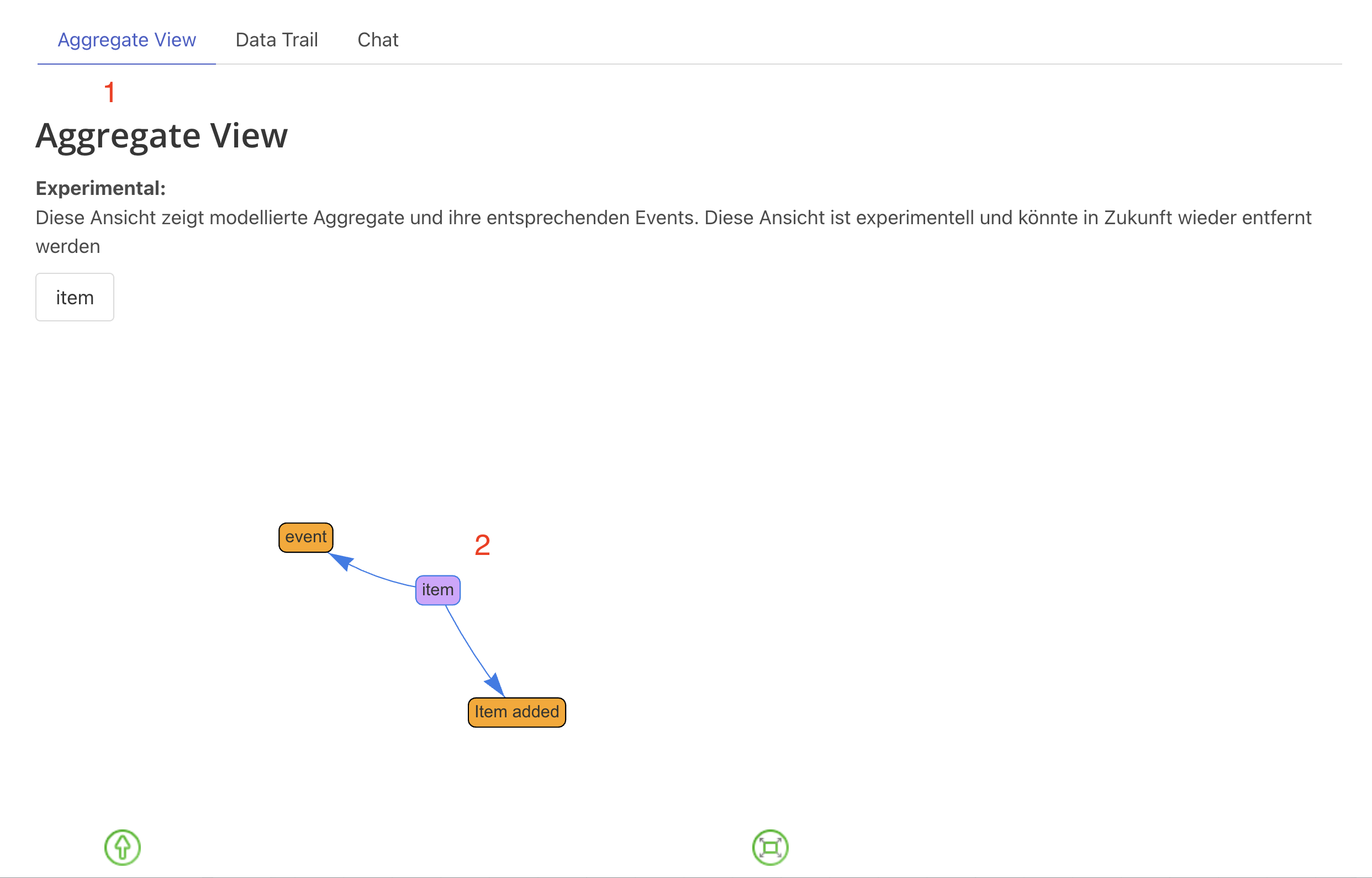
Using the Aggregate View
The Aggregate View displays:
Aggregate Names
- All defined aggregates in your model
- Organized by bounded context
- Shows aggregate hierarchy
Associated Events
- Which events belong to each aggregate
- Event sequence within the aggregate
- Event relationships
Quick Navigation
- Click to jump to aggregate on the board
- Filter by context or aggregate type
- Search for specific aggregates
Troubleshooting
Aggregate Not Showing
- Ensure events are properly linked to aggregate
- Check aggregate naming consistency
- Refresh Aggregate View
Too Many Events in One Aggregate
- Consider if aggregate is too large
- Look for events that belong to different lifecycles
- Split into multiple aggregates if needed
Events Across Multiple Aggregates
- Review aggregate boundaries
- Ensure events belong to one aggregate
- Use integration events for cross-aggregate communication
Next Steps
- Data Trail View - Trace data origins
- Context View - View context hierarchies
- Advanced Modeling - Advanced modeling techniques
- Event Modeling Fundamentals - Core concepts